The Reality of Using an AI 3D Icon Generator Free in 2026: What $0 Actually Gets
For over a decade, creating custom 3D icons meant spending hours in complex modeling software, tweaking lighting, textures, and rendering settings. Today, AI design tools are actively reshaping the design workflow, promising to give creators their time back. But while marketing pages promise instant, production-ready assets, we wanted to run an experiment: what happens when you actually try to use a $0 AI 3D icon generator to ship a real product in 2026?
The reality is a frustrating loop of hidden costs, paywalls, and wasted time. Here is what the "free tier trap" actually looks like when you put it to the test.
Phase 1: The Solid Background Nightmare
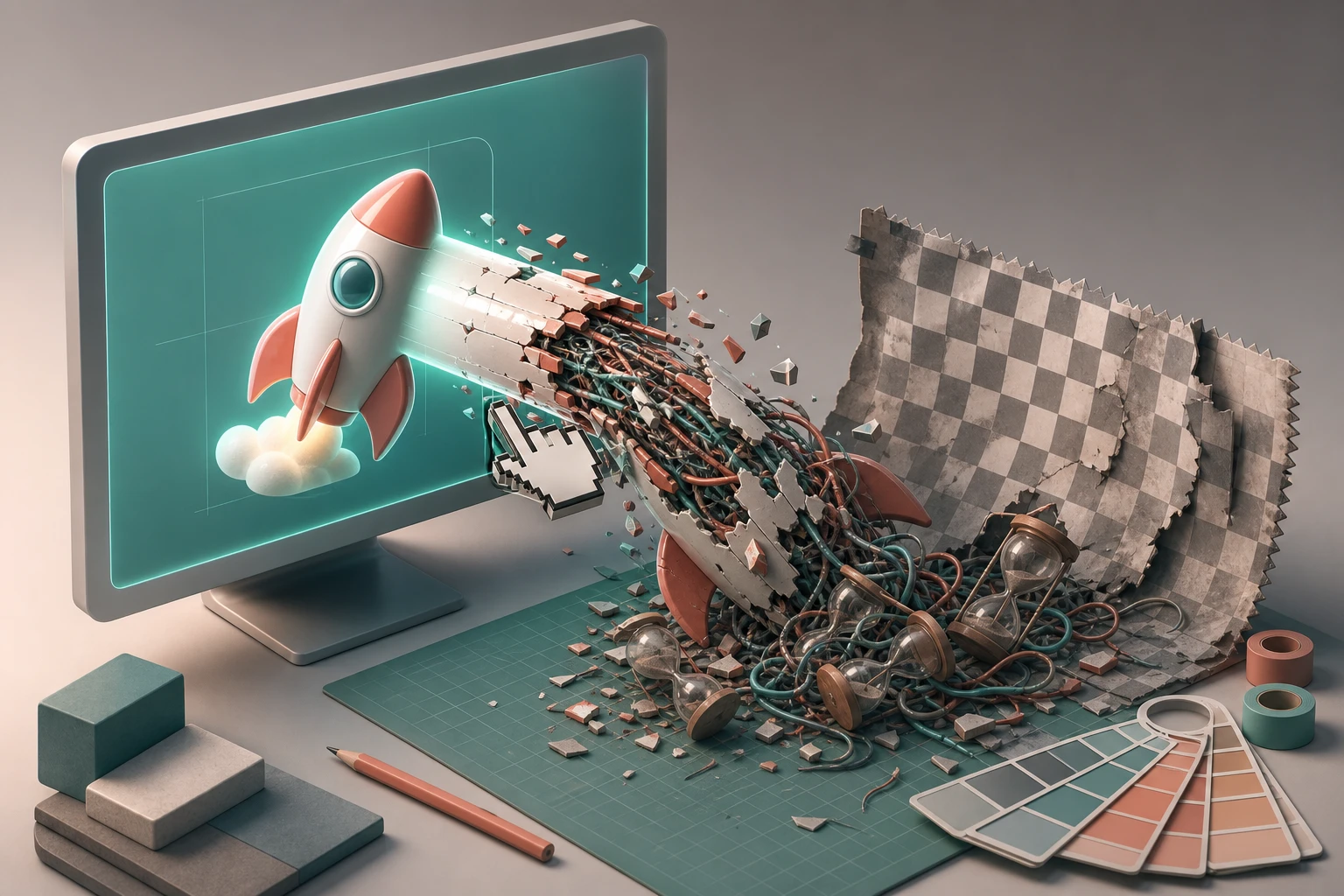
You start by typing a simple text prompt to generate a high-quality 3D icon. A few seconds later, the image appears, and the lighting looks great. But there’s a massive catch: the icon is baked onto a solid background.
Instead of moving forward with your design, you are now stuck doing the exact grunt work AI was supposed to eliminate. You end up exporting the image into another tool, spending 15 minutes meticulously masking and manually removing the background just to get a usable asset that doesn't clash with your UI.
Phase 2: The Format Paywall
Once you finally clean up the image, you need to export it. Professional designers need standard UI export formats—like transparent PNG, WEBP, SVG, or even GLB files—to drop into an app mockup or a Google Slides presentation.
This is where the free tools spring their trap. You click export, and suddenly you hit a paywall. The $0 tier only allows you to download a low-res JPEG, often slapped with an ugly watermark. To get the high-quality WEBP or PNG you actually need for production, you are forced to upgrade to a $30/month subscription.
Phase 3: The Consistency Problem
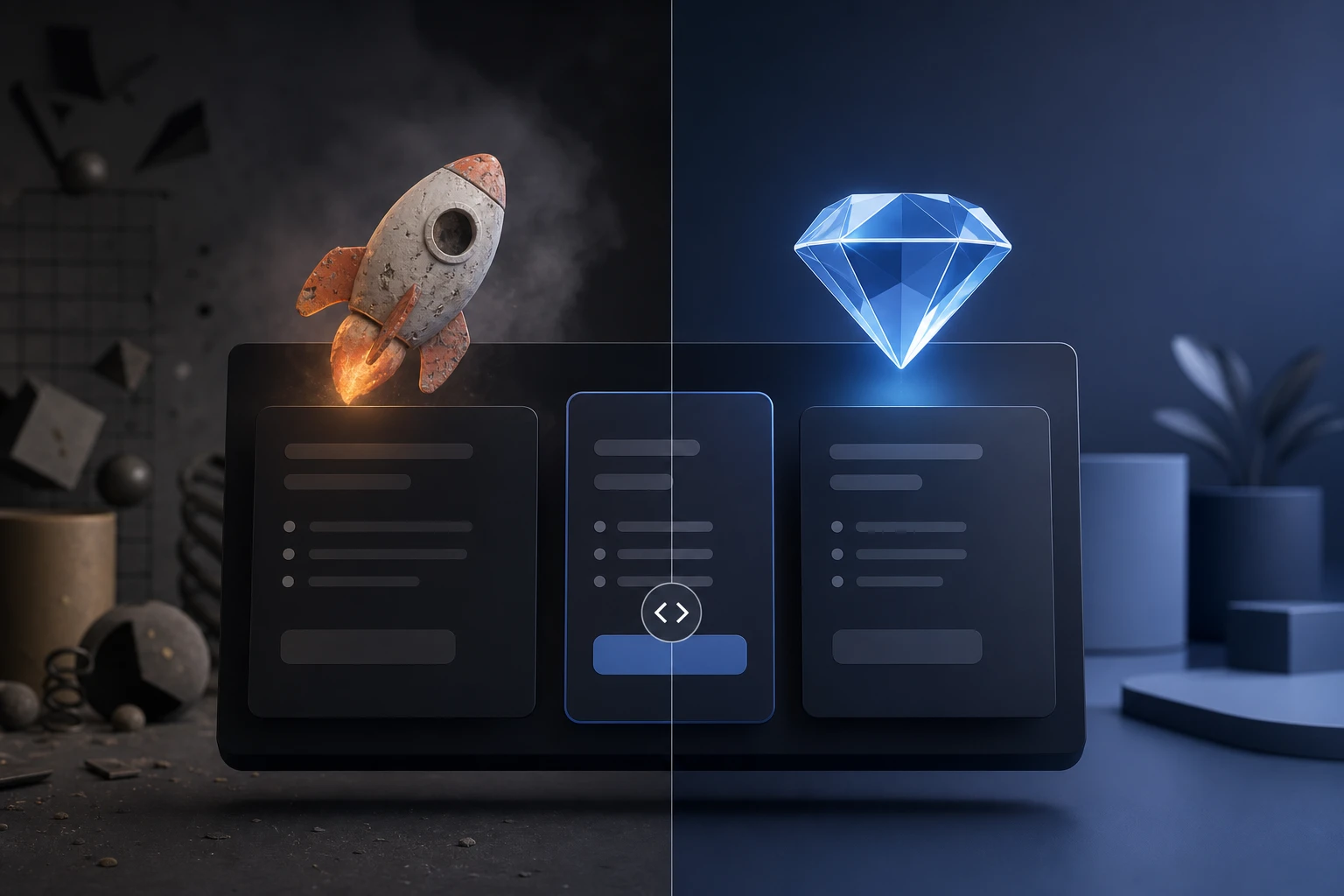
Let’s say you compromise on the resolution and move on to generating the second icon for your app's navigation bar. You use the exact same text prompt structure to transform your ideas into polished icons, just changing the subject.
The result? The style is completely off. The lighting has shifted, the materials look different, and the 3D depth doesn't match. Because free tools lack any sort of style memory, they cannot meet the standards required for professional interface systems. You end up wasting hours tweaking prompts in a desperate attempt to build a cohesive icon set.
Phase 4: The Expiring Credit Hard-Stop
Just as you finally engineer a prompt that gets close to your desired style, you hit a hard stop. A popup informs you that your "free credits" have expired. Your workflow is dead in the water unless you wait 24 hours or pull out your credit card for a massive monthly subscription that you'll barely use next month.
Stop Doing the Grunt Work
If you are tired of manually removing solid backgrounds and fighting with expiring free credits, that is the gap we built Oven AI to close.
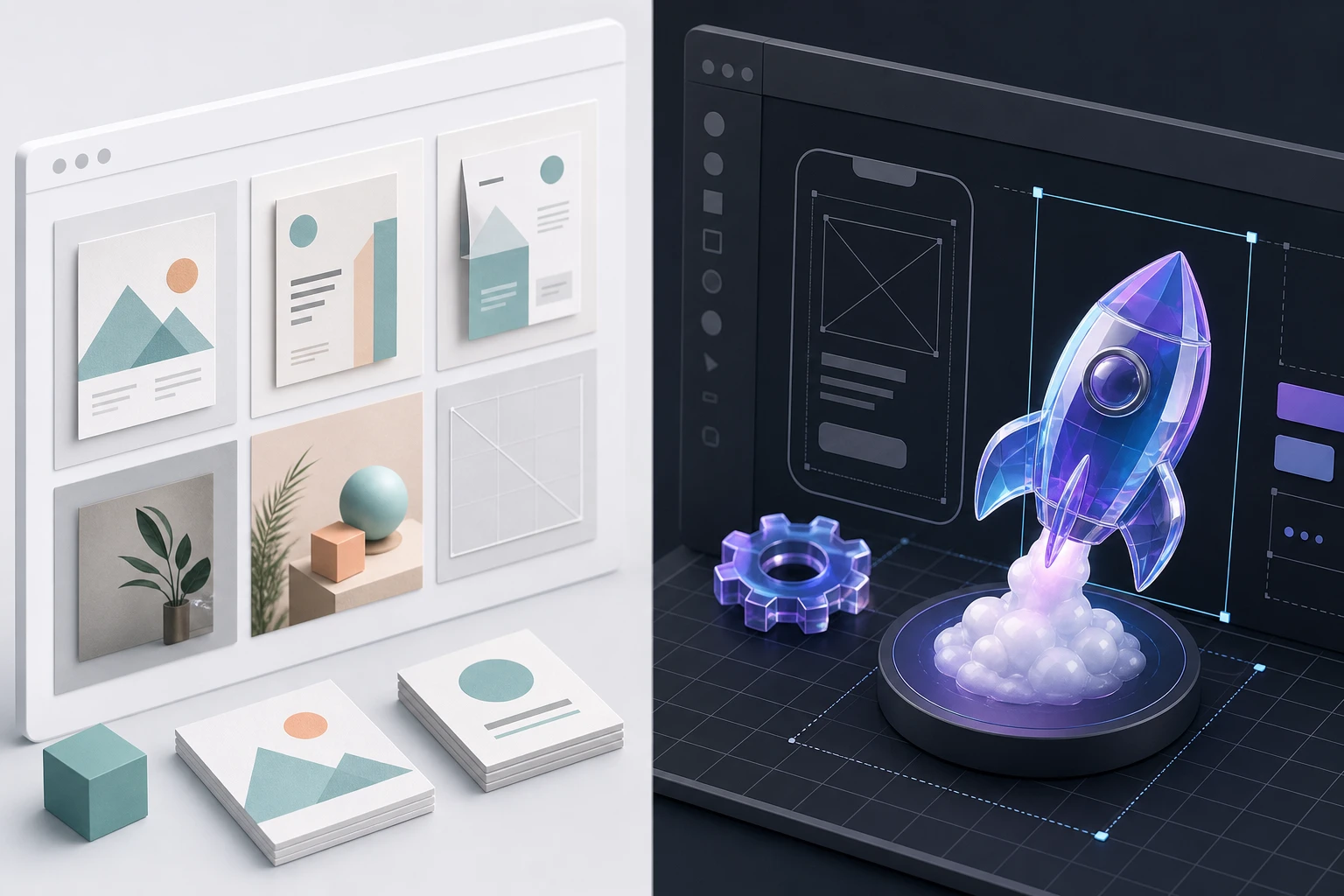
Oven AI is designed for professionals who need actual, usable assets without the subscription traps. With our style memory feature, you can generate an entire library of icons that perfectly match your brand's specific look and feel,no prompt engineering required. Every asset comes with automatic background removal, meaning you get clean, transparent PNG and WEBP files instantly.
Best of all, Oven AI operates on a pay-as-you-bake model. You don't have to worry about expiring free credits or expensive monthly subscriptions; you only pay for what you actually generate. It takes just 6 seconds to get a studio-grade asset, saving you the hours you used to waste fixing "free" outputs.
If this is the kind of work you're shipping, open Oven AI the next time you hit a wall.
If this is the kind of work you're shipping, that's the gap we built Oven AI to close — open it the next time you hit this wall.