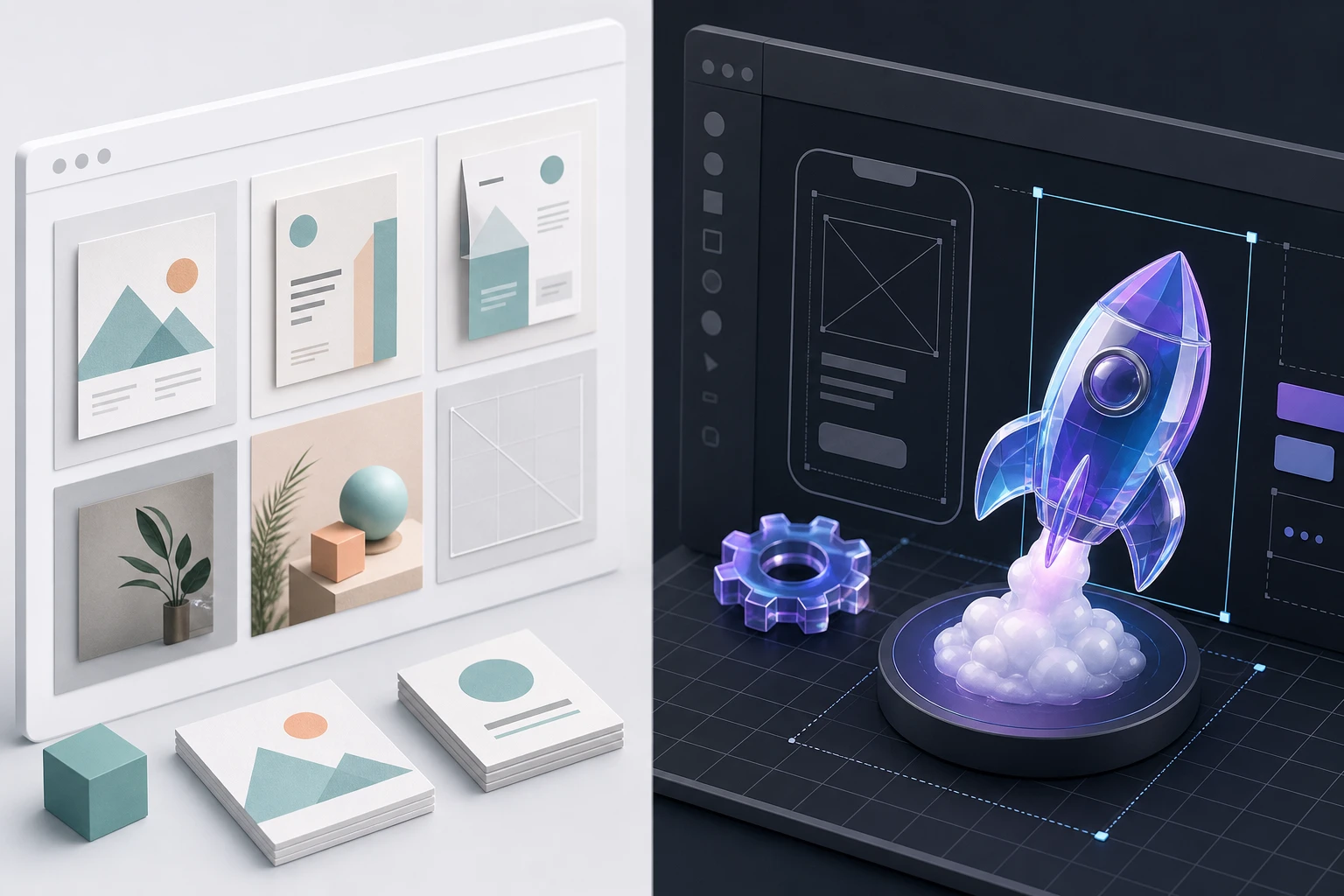
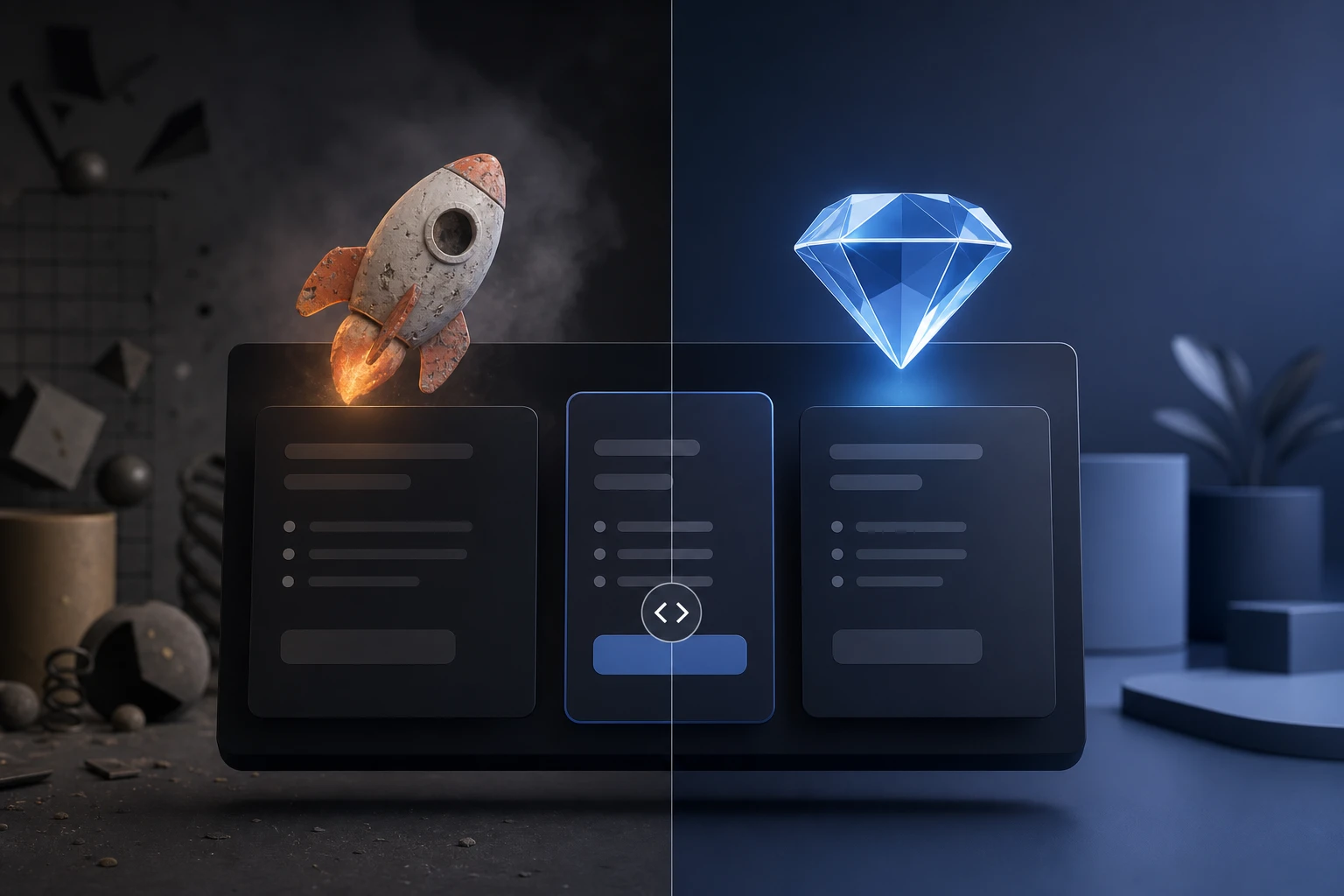
The 7 Best AI 3D Icon Generators in 2026 (Tested With Real Outputs)

AI 3D generation went from a curiosity to a genuine pipeline tool in under two years. Today, choosing the right AI icon generator can save you hours of design work and hundreds of dollars in freelancer costs. But the quality gap between generators is massive—what looks great in a marketing video often falls apart when you try to export it for an app store or import into Blender.
To cut through the hype, we ditched the generic listicle format and ran an actual experiment. We tested 7 leading AI 3D icon generators using the exact same text prompt to reveal their raw, unedited outputs and see which tools actually ship production-ready assets.
The Test Prompt: "A glossy 3D rocket ship icon, vibrant colors, isometric view."
Here is how all 7 tools handled the prompt, ranked by their performance in real-world design workflows.
The 7 Tools Tested: Unedited Outputs
1. Oven AI (The Winner) Oven AI took first place for sheer speed and brand consistency. The unedited output delivered a flawless 3D rocket ship with perfect studio lighting and vibrant colors that popped exactly as requested. Unlike other tools that require extensive prompt engineering, Oven AI generated a drop-in ready asset instantly.
2. Venngage Venngage delivered a highly usable asset. Their platform helps you turn flat concepts into bold, eye-catching icons. The rocket ship had great depth and texture, though getting the most out of it requires using their built-in editor to align the asset with your specific Brand Kit.
3. Pixelcut Pixelcut was fast, but the output felt more like a 2.5D image than a true 3D asset. While it is a capable image generator, the rocket ship lacked the volumetric depth and crisp edge lighting required for premium UI design.
4. Flamel Operating as a Figma plugin, Flamel lets you explore 12+ 3D styles, instantly generated right in your canvas. The rocket ship looked fantastic when we applied their "Plastic" style preset, though the generation process took slightly longer than standalone web apps.
5. IconikAI Built specifically for mobile, this tool generates production-ready 1024×1024 icons in under 10 seconds. The rocket ship was perfectly framed for an iOS app icon, but the rigid square format makes it less flexible if you just need a floating icon for a website.
6. AppLaunchFlow Icon Composer This tool exported the rocket ship as layered, editable documents with Default / Dark / Tinted variants. It is an absolute powerhouse if you are pushing directly to Xcode, but it is overkill if you just need a quick graphic for a presentation.
7. RunComfy Using their Seedream 4.5 for coherent, photoreal image creation, the rocket ship was stunningly realistic. However, navigating RunComfy's complex node-based workflow is far too slow for rapid UI iteration.
The PNG Export Comparison: The Background Removal Test
Generating a great image is only half the battle; exporting it is where most tools fail. We ran a side-by-side comparison of the PNG exports to evaluate their automatic background removal.
Most AI tools give you a pretty square with a baked-in background. When forced to remove it, tools like Pixelcut and Flamel left jagged white halos and rough edges around the rocket ship's fins. Oven AI, however, delivered a perfectly masked PNG with a flawless alpha channel. The edges were crisp, preserving the smooth, glossy curvature of the 3D mesh without any artifacting.
The "Style Memory" Test
A single icon is useless if you can't create a matching set. To test "style memory," we fed the tools a second prompt: "A glossy 3D magnifying glass icon."
This is where the pack completely separated. Most generators hallucinated a completely different lighting setup, changed the isometric angle, or swapped the glossy plastic material for matte metal. Oven AI was the only tool that maintained perfect brand consistency. It remembered the exact lighting rig, shadow depth, and vibrant color palette from the rocket ship, creating a cohesive, matching set instantly.
Pricing: Expiring Subscriptions vs. Pay-As-You-Bake
The AI design industry has a massive pricing problem: expiring subscription credits. Most tools on this list charge $15 to $30 a month for a set number of credits that vanish at the end of the billing cycle, whether you use them or not.
Oven AI flips this with a "pay-as-you-bake" model. You only pay for the exact icons you generate. No monthly subscriptions, no wasted credits, and no artificial paywalls blocking your access to high-res exports. It is a fundamentally fairer way to scale your design assets.
The Final Verdict: Dropping into Figma
To prove these aren't just vanity metrics, we took the unedited Oven AI PNGs and dragged them directly into a dark-mode Figma UI mockup. Because of the perfect background masking and consistent isometric lighting, the rocket ship and magnifying glass looked like they were custom-rendered by a senior 3D artist specifically for that interface. They were completely drop-in ready.
If you are tired of wrestling with bad masking, inconsistent styles, and expiring credits, that is the exact gap we built Oven AI to close. Stop settling for flat, uneditable generations. Try Oven AI today and start baking production-ready 3D icons in seconds.
If this is the kind of work you're shipping, that's the gap we built Oven AI to close — open it the next time you hit this wall.